
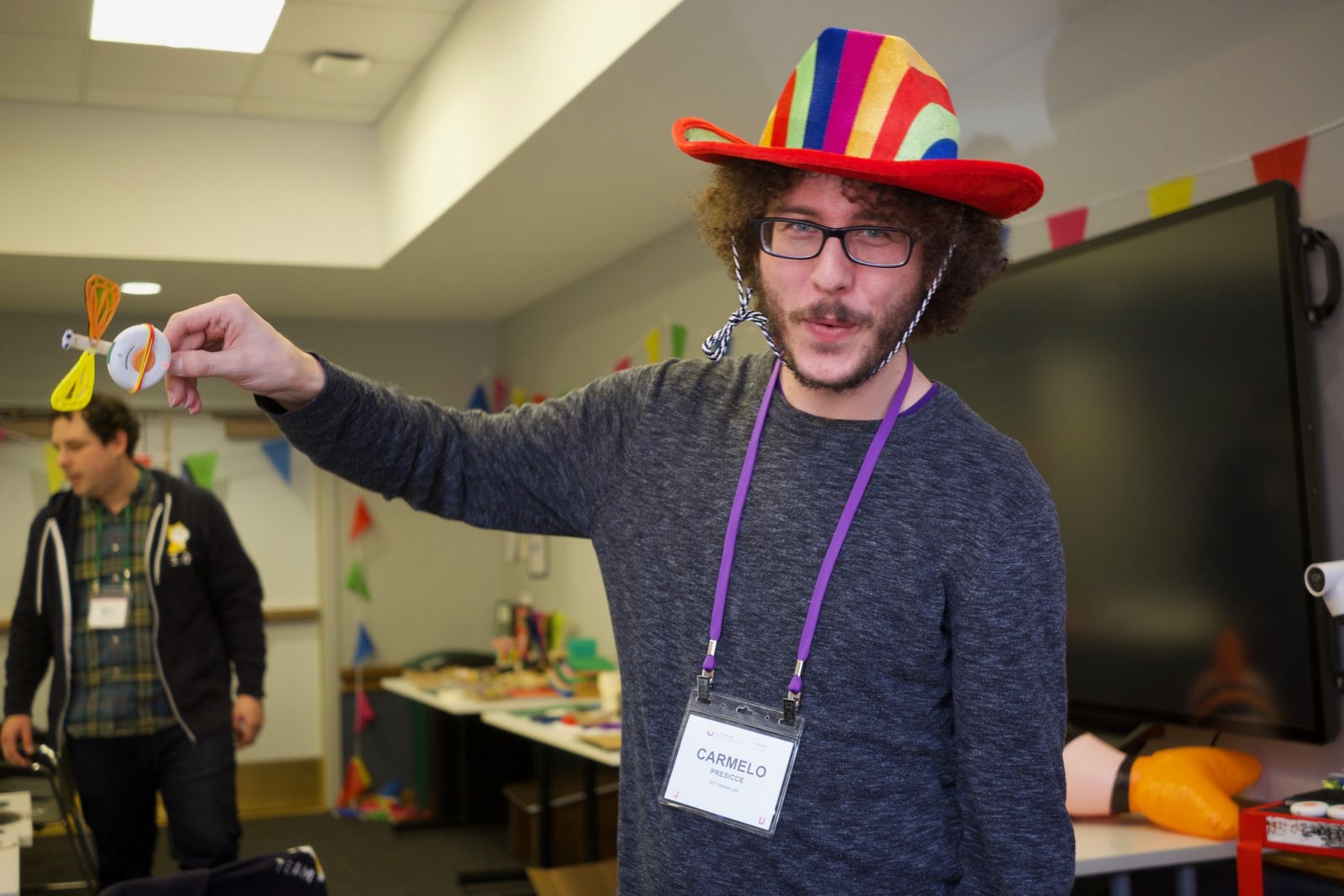
Earlier this month, I hosted a workshop at the FabLearn conference at Teachers College, Columbia University. FabLearn is a maker education conference where researchers, practitioners, and young makers alike share their tools, ideas, and pedagogies for constructionist learning. The intellectual roots of FabLearn extend back to Seymour Papert and the MIT Media Lab, similar to the foundational base for the Tinkering Studio. Our R&D efforts in the development of STEM-rich activities that invite learners to "think with their hands" is right at home at Fablearn.


Hello ScratchBit!
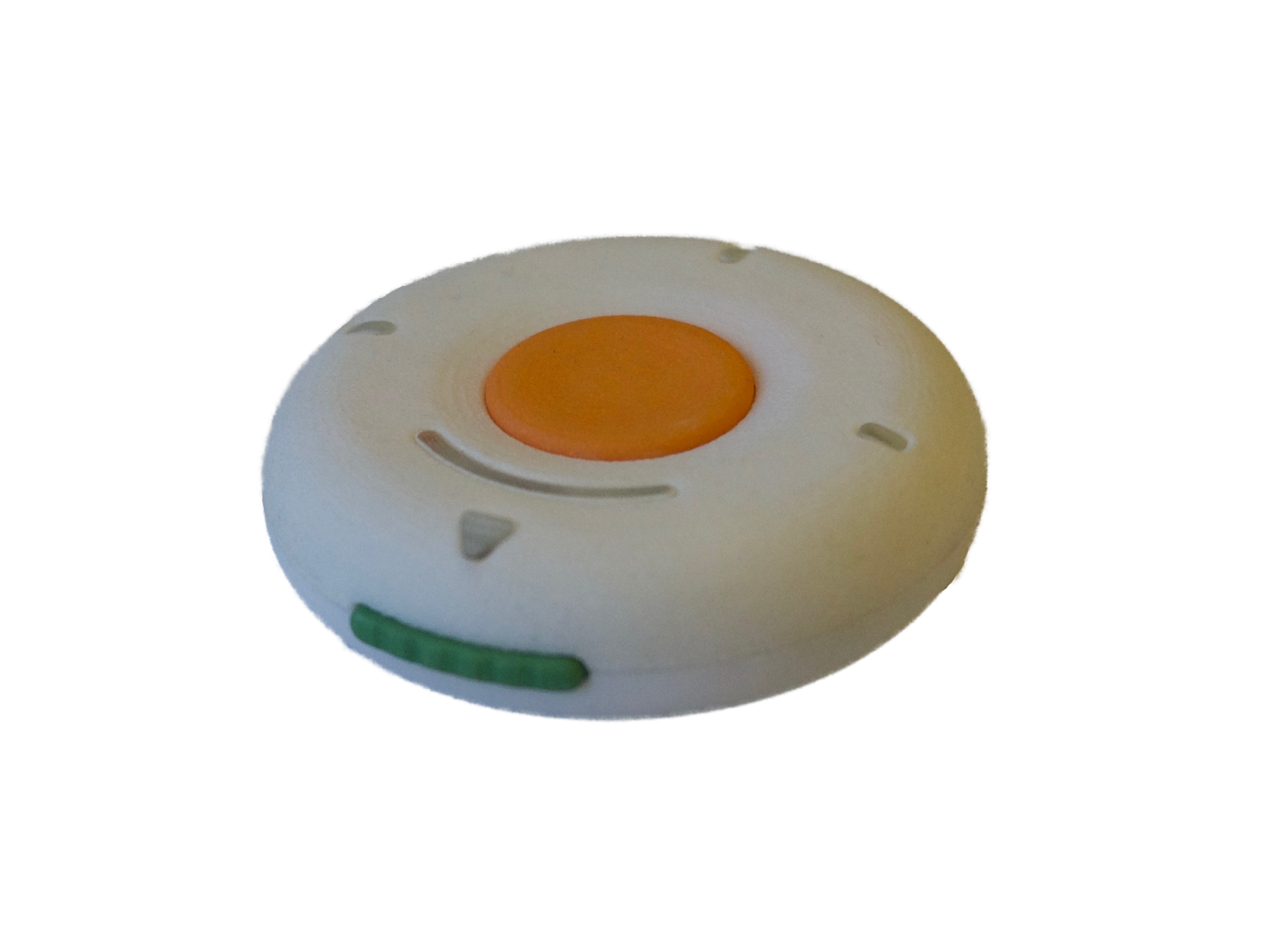
In the Tinkering Studio, we've been exploring activities that combine hands-on making with technology as part of a project around computational tinkering. Ryoko and I hosted a workshop at Scratch Conference last summer on making and programming interactive toys using a micro:bit. In the workshop, we saw many participants trying out all the different blocks of ScratchBit. They tested each of the blocks and how they were triggered with the ScratchBit.
New Blocks for ScratchBit

A light sensor on the ScratchBit opens up narrative possibilities around light. Shine a flashlight at the ScratchBit or hide it away inside a dark box and watch your animation react to these environmental changes. Micro:bit also has a light sensor that can be programmed in MakeCode but not in Scratch.
Spin is a block unique to ScratchBit that nicely complements its compantion motion blocks. The variety of types of motion triggers encourages learners to get up and move their body!
Environment and Activity Design
For a workshop designed around ScratchBit, we created an environment filled with materials to tinker with and encouraged participants to design a Scratch animation that had a connection to the physical world.


Materials selection was an important aspect of the activity design. The Scratch team likes to use familiar objects found at a dollar store to attach ScratchBit onto. They choose objects that encourage movement, like playing with a ball or putting ketchup on a hotdog, and support storytelling by building a related animation in Scratch. At the Tinkering Studio, we've emphasized the importance of constructing a tangible object alongside creating the digital code that controls an object's behavior. I brought a wide array of craft materials to support workshop participants' crazy ideas.


Another group made a different type of tossing object that randomly selected prompts to ask the person who caught it. We saw some great dance moves and heard answers to a variety of questions - a great game to play with students in all different types of learning environments.

