

Artist Hanoch Piven recently visited us for a whirlwind residency! He reintroduced us to his practice of using everyday objects to create poignant and expressive portraits. Our past work with Hanoch centered around Making Faces: creating portraits by arranging everyday objects to share something about yourself or someone you care about. We played a little bit with two frame animation to add movement to faces, but for the most part were focused on analog versions of the activity that centered around personal expression and sharing parts of our identities.
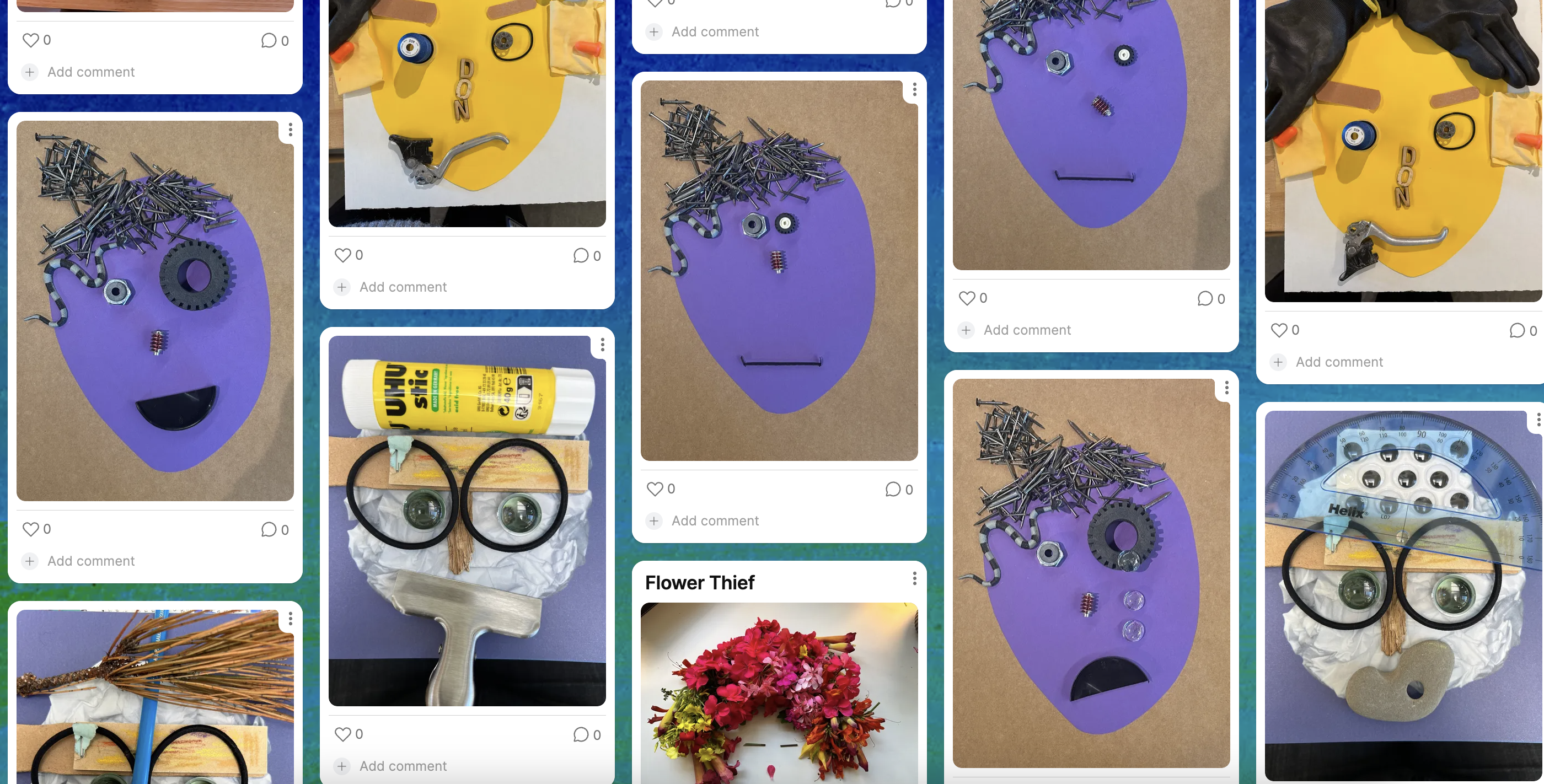
For this residency, our focus was around computational tinkering: how could we use code to add movement to our faces, tell more elaborate stories, and bring in objects beyond the materials in front of us? Our hope for our time together was to engage in shared R&D to playfully look at and combine objects and code – specifically the OctoStudio app developed by our friends and collaborators at the MIT Media Lab – in new ways. We’re still tinkering with these ideas, so we hope you’ll take a look at what we’ve tried so far and take them in new directions.
Why add code?
We’re still figuring out our answer to this question, but some initial ideas are that adding code allows learners to add movement, add text and dialogue, tell a story, use objects they don’t have in front of them, and bring meaningful photographs into their portraits. Below are some of the team’s experiments in using OctoStudio to bring our portraits to life.
Random and Delightful Expressions
Luigi explored randomizing movement in a bounded way within OctoStudio to generate surprising and delightful expressions. He first created a face using analog materials, then imported each element to OctoStudio. His project randomizes the position of his face's elements when he shakes the device.
Collaged Textures
Jake and I experimented with using OctoStudio to bring in photos of materials, tools, and textures to create collaged faces. Jake played with paper cutouts and changing the angle of face components when he taps the screen. I brought in photos of leaves from some of my houseplants as irises and used the magnet sensor to create a project that was activated when I moved my magnet leaf close to the phone.
Collages with Your Own Face
Ryoko explored taking photos of parts of her own face and bringing them into her project. She used OctoStudio to play with different expressions, and added sound! There was something fun about seeing the mix of everyday objects and Ryoko's actual eyes or smile, and she made us laugh with her animated expressions and mini moments of storytelling.
Emoji Knolling
Michael was inspired by the idea of knolling (check out artist Todd McLennan's work). He broke one of the OctoStudio emojis into its component parts and rearranged them to create something new — in this case, a face!
Surprising Reveals
Michael and I experimented with embedding the device with OctoStudio into a piece of paper or cardboard to conceal the phone and create moments of surprise as the interactivity was revealed. I didn't have many white objects, so the OctoStudio app allowed me to bring in photos of clouds and marshmallows and use sheep emojis as the whites of the eyes for my portrait.
What's Next?
These ideas are still very much half-baked, so we'll continue tinkering with Making Faces and OctoStudio in the coming months. We're still figuring out our favorite approaches to using technology alongside analog tools and materials in interesting and meaningful ways.