
During Research and Development sessions, we explore the possibilities of materials. Sometimes cool ideas are used in our After Dark Events like the Programmable Pets activity in September. For this activity, the team explored the use of physical materials to create the pet, but also its interaction with Scratch as a digital interface using the BBC microbit.
The microbit has a MI power board to power it with a coin cell battery in a compact and reliable way which allowed us to explore with pets!
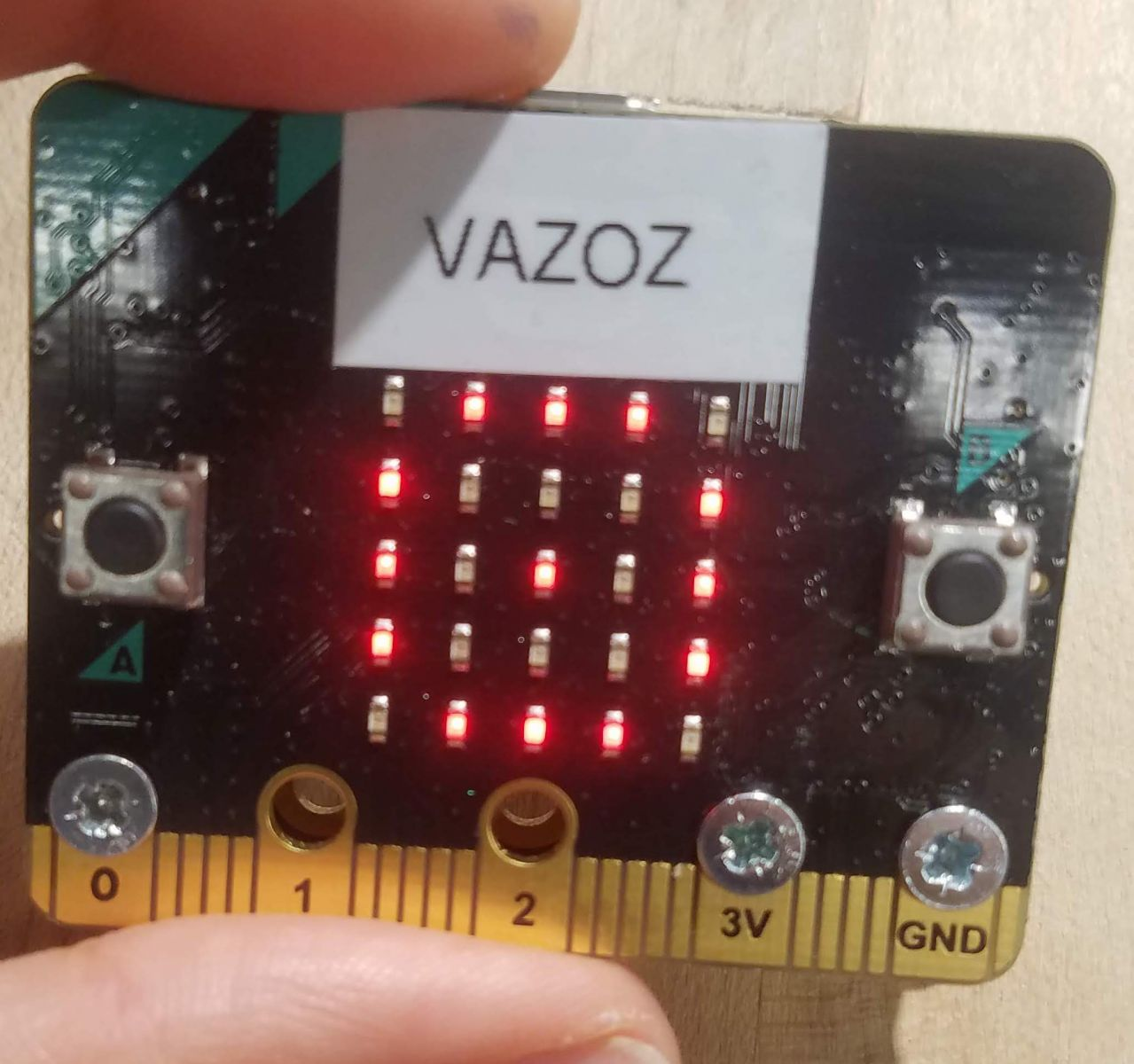

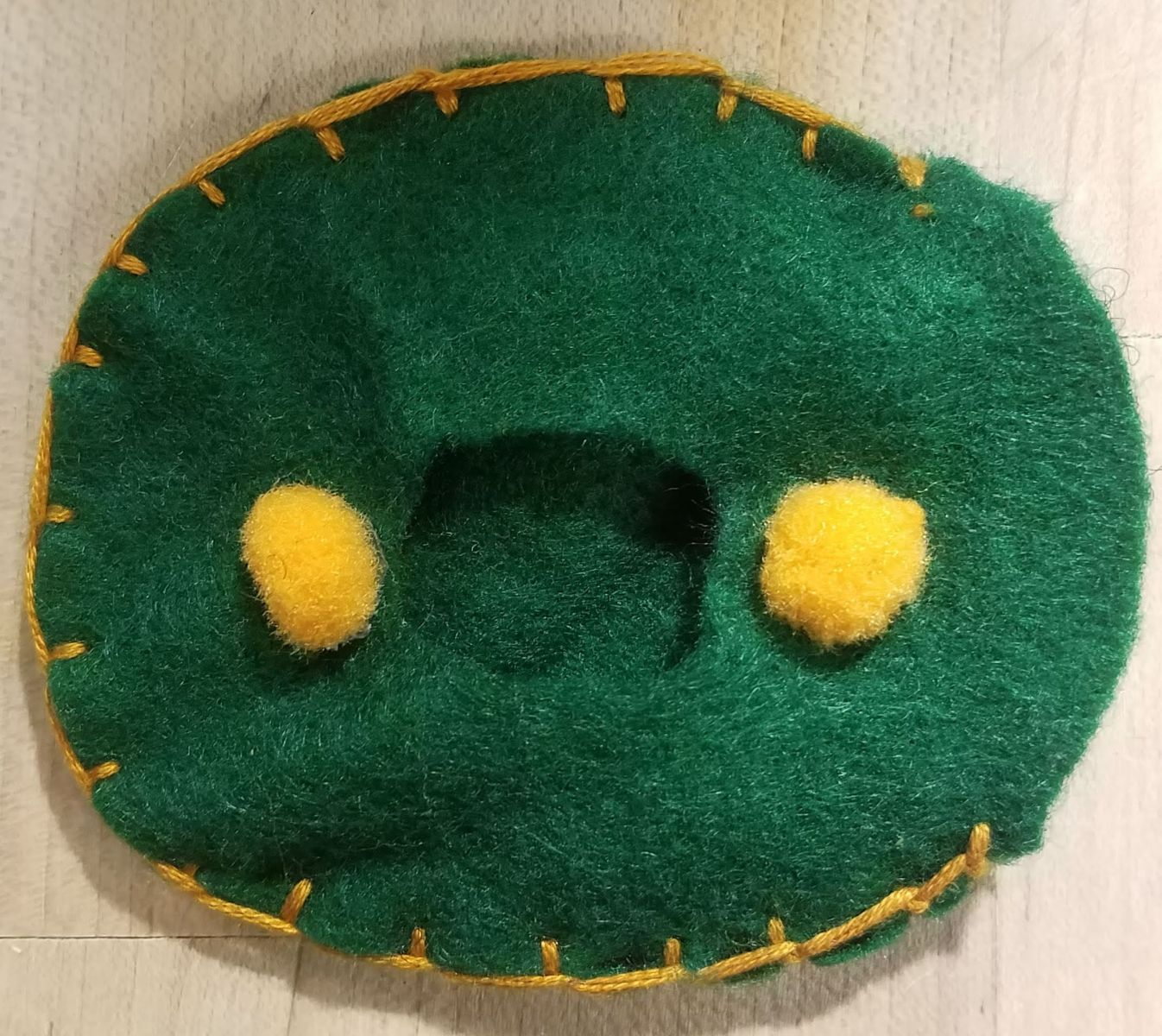
First I focused on the physical portion of the pet. I used felt to cover up the microbit in a shape of an egg. I cut out a window on one piece of felt to use the microbit’s built-in LEDs screen. This way, it can show a happy or sad face on the egg just like the original Tamagotchi.
I hot glued pom poms on that piece of felt to use as buttons and add more sensing capabilities.
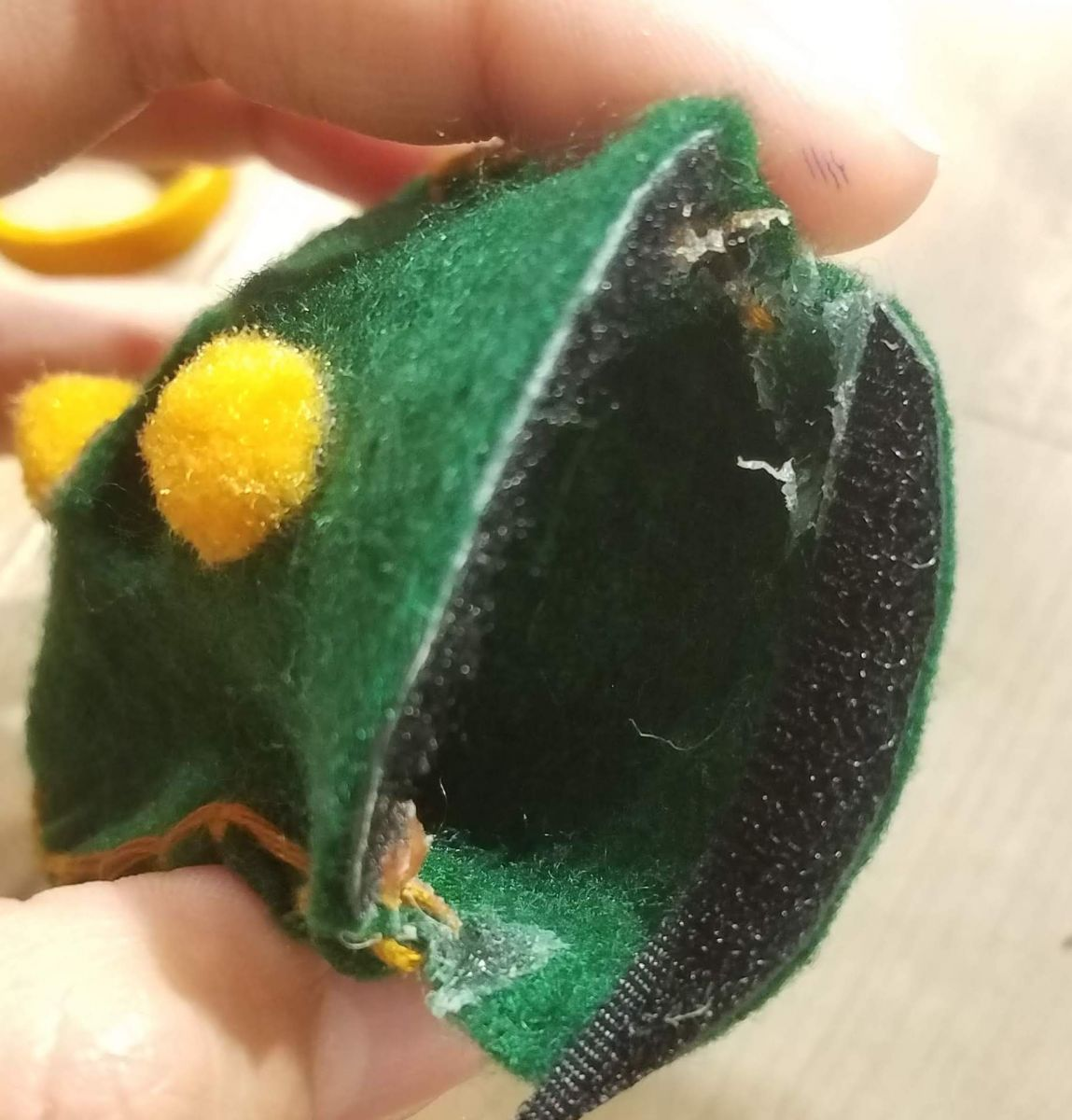
Sewing the two felt pieces is the final step. I left an edge open like a pillow bag to fit the microbit and secured it with velcro.
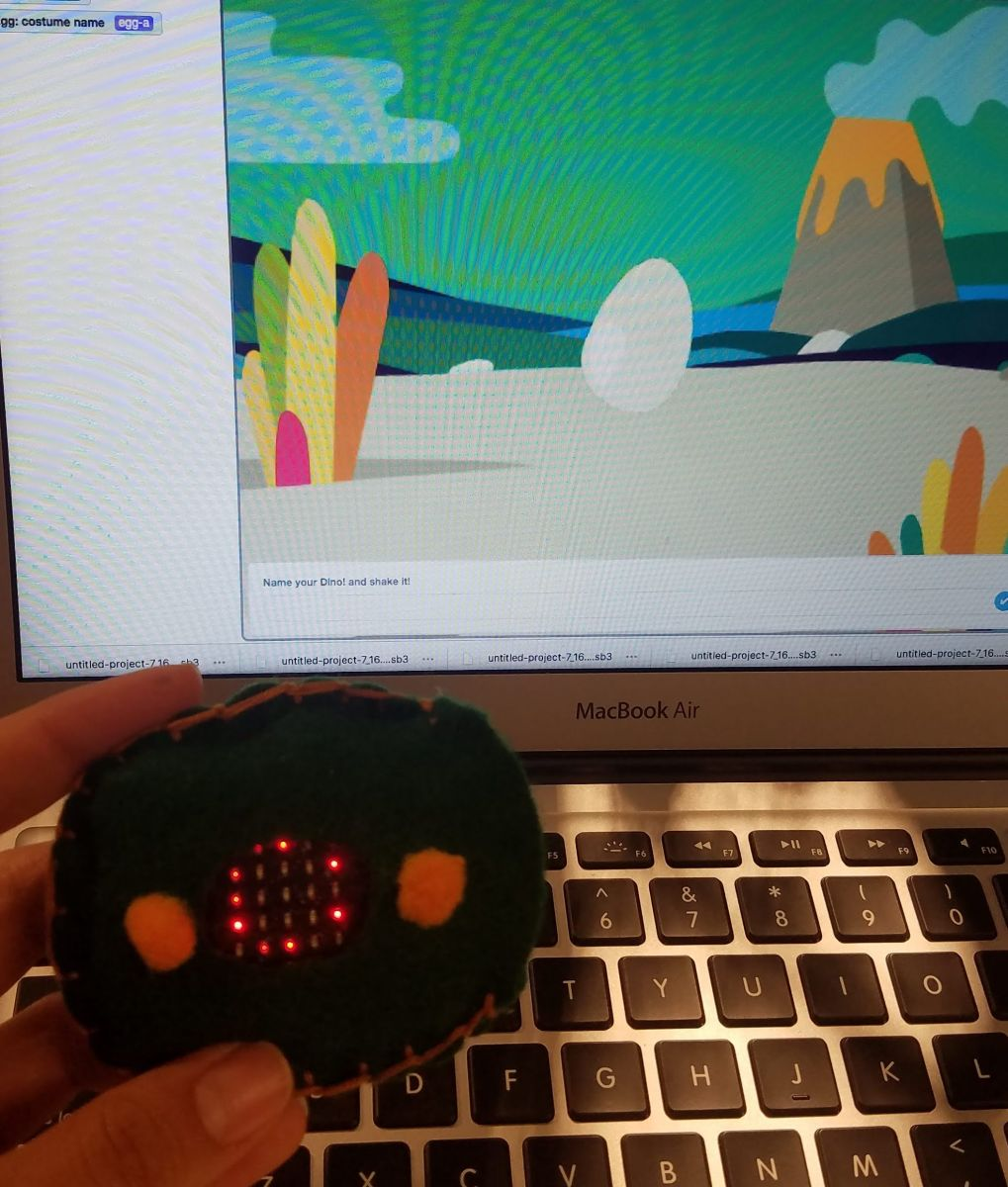
To start, you name the pet and shake the tamagotchi to crack it open. This required using broadcasting a lot to continue with the storytelling. I recommend planning the code beforehand (it took me a couple of tries to get the code running right)
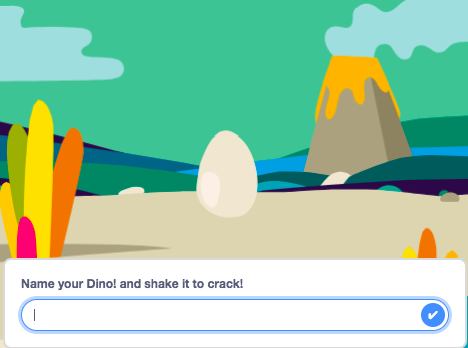
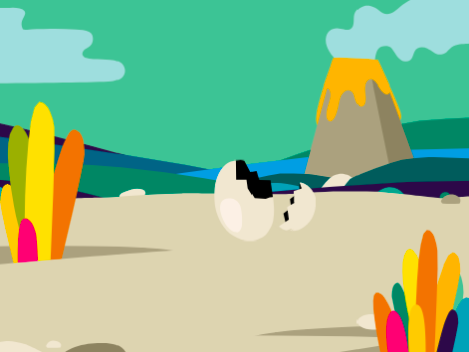
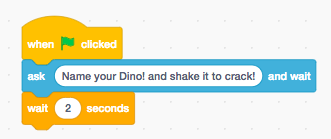
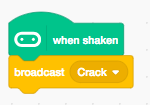
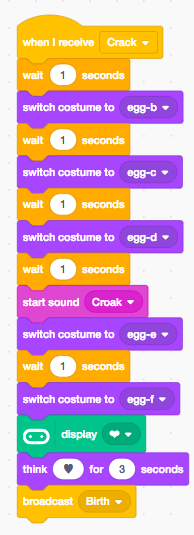
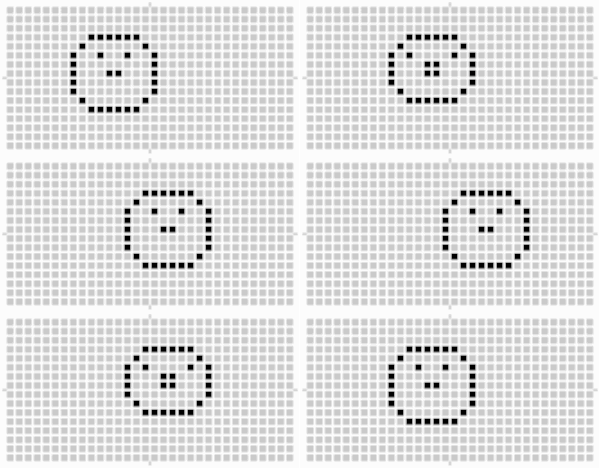
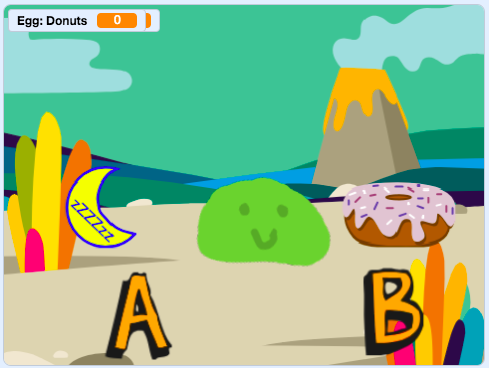
The sprite Gobo seemed perfect for my growing tamagotchi. I love this sprite because it’s not clear whether your tamagotchi is an elephant or a dinosaur... In short, it could grow to be anything!
My Gobo had to go through the correct order of eating and sleeping to grow to its adult size. Only the correct sequence will allow the tamagotchi to grow using if statements and loops. I added animations for each of these actions and sounds to make it more interactive.
I decided to make my tamagotchi grow to a dinosaur because the sprites are very cute and can be edited easily. I created a costume for it sleeping by just ungrouping and moving its arms and legs.

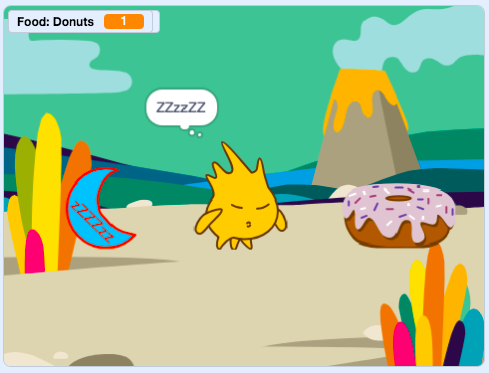
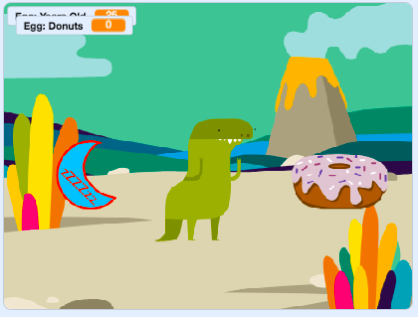
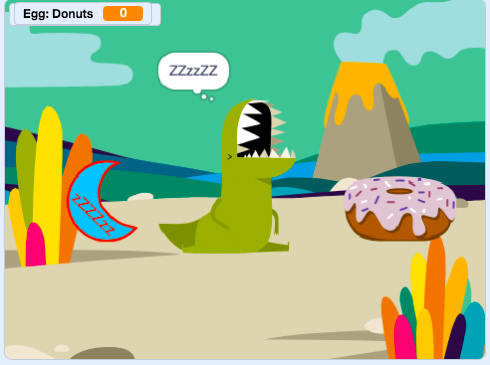
I added a counter for its age which I correlated with sleeping and a donuts counter with the eating button. This way, I can keep track of its age and the donuts eaten. Every time it slept a night, the counter added 5 years to it. It’s like dog years but for dinosaurs.

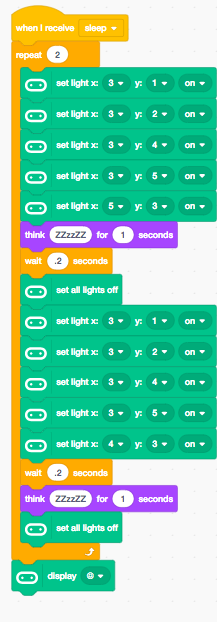
My intention was to interact with this pet by seeing what happens in the screen and on the tamagotchi’s face made up by the microbit’s LEDs. However, I had trouble seeing these two interact because I couldn't appreciate both simultaneously. Do I look at the screen or my tamagotchi?
Another observation I found is that other people tend to start pressing buttons without reading the clues on the screen or giving it time to react. My next steps may be to speed up its animations to let people see instant responses as opposed to finding the right sequences.
If you have a suggestion on making programmable pets better or you just want to share your own let us know!


This project was made possible through the generous support from the LEGO Foundation